

This guide refers to basic usage of Page Generator Pro with UpSolution’s Live Builder. It is not a substitute for referring to the Generate: Content Documentation, which must be read first to understand all Content Group configuration options.
Prerequisites
Older versions may work, however the steps below may not reflect the available functionality.
- Impreza or Zephyr Themes
- Page Generator Pro 5.5.3 or higher
Setup

Failure to follow all steps in this section may result in incorrect working functionality.
Before using UpSolution’s Live Builder in your Content Group, you’ll need to:
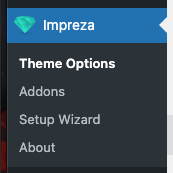
- Navigate to Impreza / Zephyr > Theme Options
- Under Advanced > Theme Modules, enable “Live Builder” and tick / select
Content Groups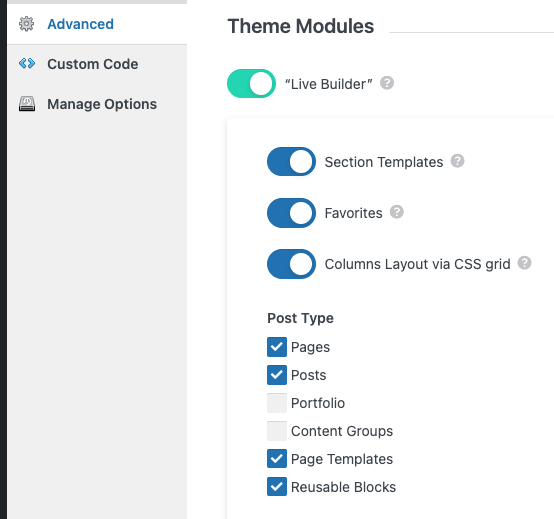
- Click the Save Changes button
Add a Content Group
To add a new Content Group to Page Generator Pro, click the Add New button below the Content Groups title, which can be found towards the top of the screen.
You will then be presented with a screen similar to the one used to edit your WordPress Posts and Pages:
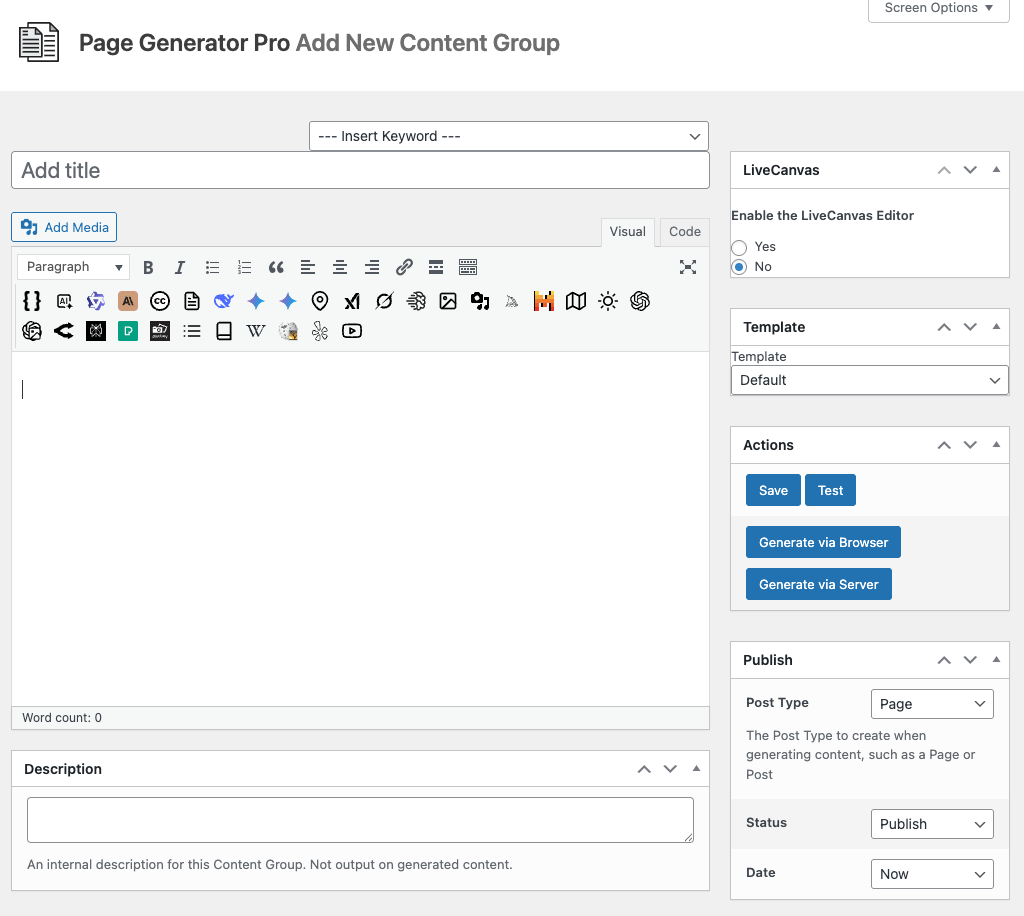
It’s recommended that you first:
- Define the Title,
- Setup the Content Group settings, by referring to the Generate: Content Documentation.
- Click Save
Once saved, click the Edit Live button:
Edit a Content Group
To edit an existing Content Group in Page Generator Pro, click the Title of the Group that you want to edit: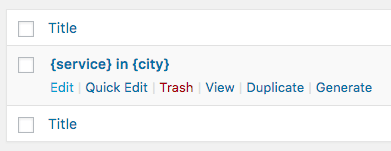
Click the Edit Live button:
Dynamic Elements
You’ll need to manually build each Dynamic Element’s shortcode using the documented parameters, ideally into a simple element such as Live Builder’s Text element. These can be found in the Adding: Page Builders section of each of the Documentation links below:
Common Issues
Edit Live button missing
Follow the Setup section of this document.