
Page Generator Pro
Scale SEO, GEO and pSEO with thousands of unique pages – no writer needed
Automatically mass build local SEO, programmatic SEO, GEO sites, directories or content at scale with one-click deployment. Save 40 hours per site.
Version 5.4.3 (7th March, 2026)
Documentation | Changelog

Page Generator Pro is a mind-blowing automation tool that has the potential to get your entire VA crew fired. Purchasing was one of the best plugin investments we’ve ever done for our agency.
— Lucas Hawro, Colorpeak Web Design & Marketing
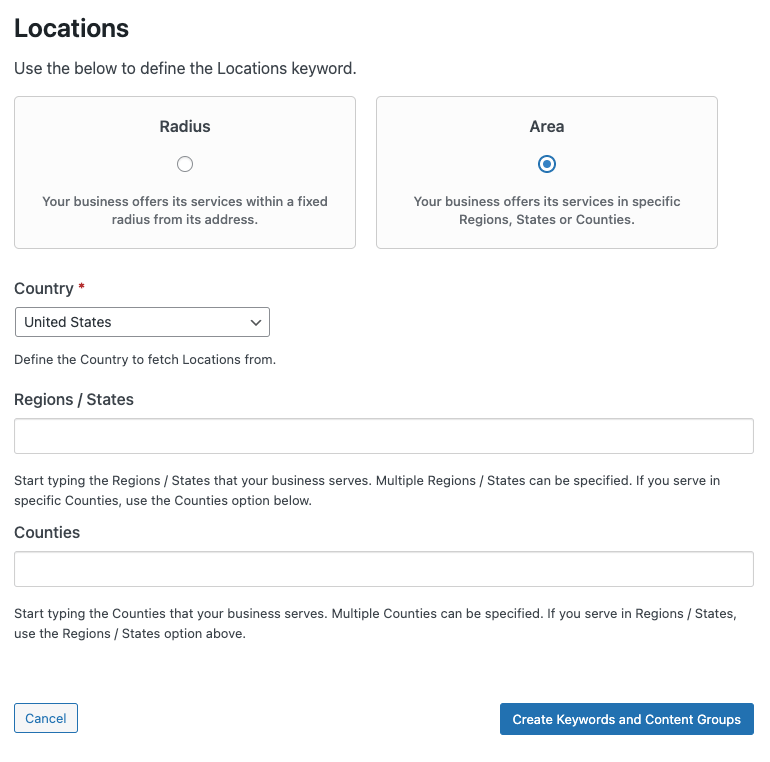
Easily Build Directory Sites with Interlinking
With full support for hierarchical content generation, Page Generator Pro is ideal if you are looking to build any local SEO based directory based site. There’s no limit on depth, and you’re free to choose any structure you need – for example:
- Region (State) > County > City > ZIP Code > Service
- Service > Region (State) > County > City > ZIP Code
- Service > County > City
- Service > Sub Service > City
- City > Service > Sub Service
- Service > Sub Service
- Region (State) > County > City
- Region (State) > City
- County > City
Our Related Links Dynamic Element allows for relevant internal links to automatically be output on your generated content – for example, to link to other services offered in a specific City, or nearby Locations within a Radius. We’ve even got a tutorial explaining how it all works.
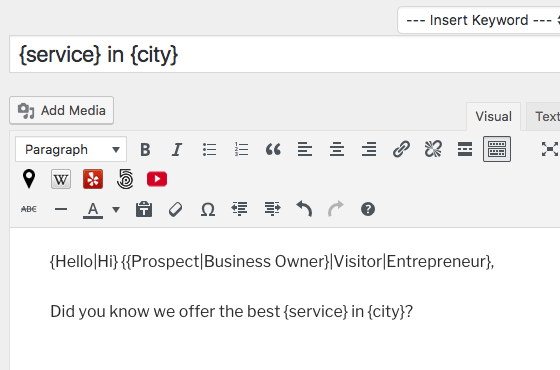
Spintax, Nested Spintax and Block Spinning Support
Generate truly unique, non-duplicate content by writing content using spintax, nested spintax and block spinning.
Page Generator Pro performs automatic spinning of any spintax you supply in the Title, Content, Excerpt, Custom Fields, Advanced Custom Fields and more, choosing the content to produce at random for each generated page.
Best of all, keywords can be used within spintax.
Stuck for spintax ideas, or don’t understand how to use spintax? Page Generator Pro provides options to:
- Automatically spin non-spintax content for you, with no need to understand spintax notation,
- Select words or paragraph(s), and replace them with automatically generated spintax notation in one click.
For ChimpRewriter, SpinnerChief, Spin Rewriter and WordAI users, our integrations allow you to use these services from within Page Generator Pro to perform automatic spinning, with options to control the level of spin, grammar, readability etc.
SEO and Schema Friendly
Page Generator Pro works with your SEO Plugin and Schema Plugin of choice as standard, including:
- All in One SEO Pack / All in One SEO Pro
- Genesis Framework
- Meta Tag Manager
- Platinum SEO / Platinum SEO Pro
- Rank Math SEO / Rank Math SEO Pro
- SEOPress / SEOPress Pro
- SEOPressor / SEOPressor Pro
- SmartCrawl SEO / SmartCrawl SEO Pro
- Squirrly SEO
- The SEO Framework
- WPSSO
- Yoast SEO / WordPress SEO / Yoast SEO Premium
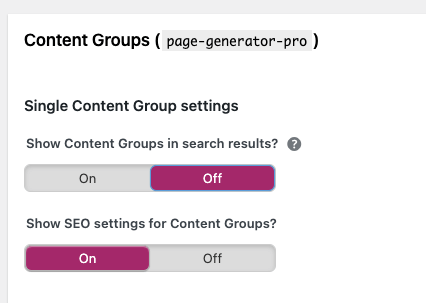
Their native settings are displayed in your Content Groups, and also support keywords.
For interlinking, the Related Links Dynamic Element ensures that generated Groups of Pages are linked to each other.
Images dynamically pulled from the Media Library, OpenAI (Dall-E 3), Pexels or Pixabay can have Geolocation data embedded into their EXIF data to assist with Google Image Search Rankings.
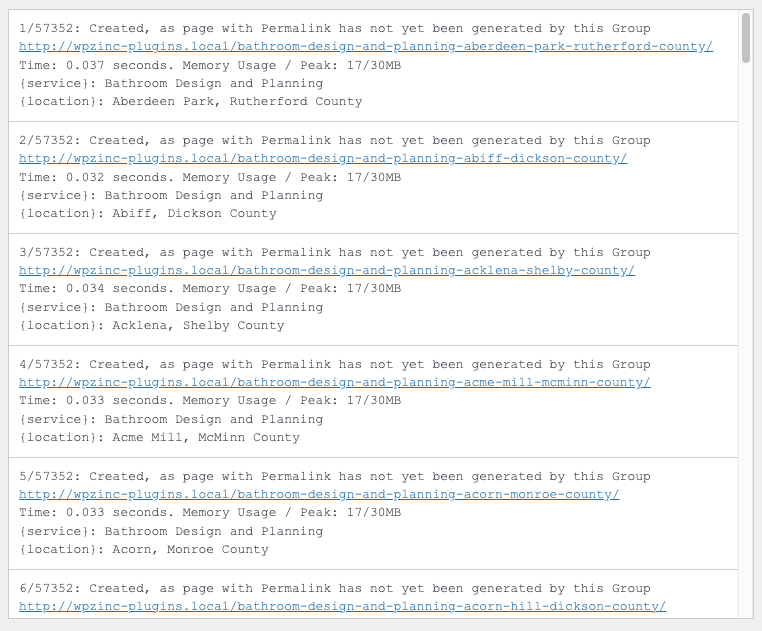
Optimized for Performance
With a typical generation time of 0.05 seconds per Page, Page Generator Pro is designed to work with all hosting environments, whilst minimising memory or server errors.
For further performance and faster generation times, options are available to:
- Use the Performance Addon, loading just the Plugins required for each generation request (without affecting your site visitors),
- Using WP-CLI, which can run in the background on your server, utilising your server resources best for generation.
We also publish and regularly update our Performance statistics.
Embed Dynamic Elements
Automatically embed rich, dynamic content within your content using Page Generator Pro’s Dynamic Elements to further produce truly unique content, quickly:
- Images: from Creative Commons, Media Library, OpenAI , Gemini AI Pexels and Pixabay
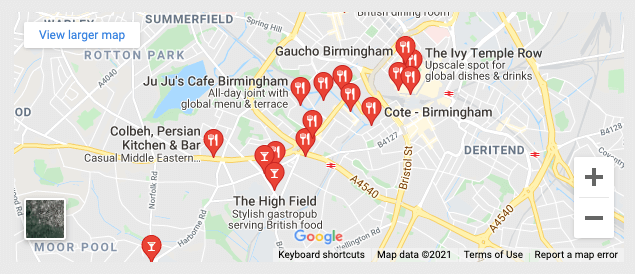
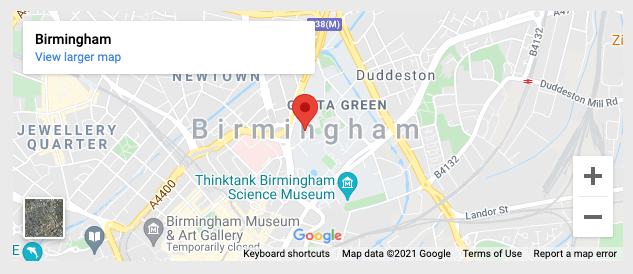
- Maps: Google Maps and OpenStreetMap
- Weather: OpenWeatherMap
- Videos: YouTube
- Internal Linking / Interlinking: Related Links
- Wikipedia
- Yelp! Business listings
Our dynamic elements include a range of options and full support for keywords, ensuring that the media for each generated Page is related to the content – such as a Google Map based on a location keyword, or a YouTube video based on a service keyword.
Multilingual Content Ready
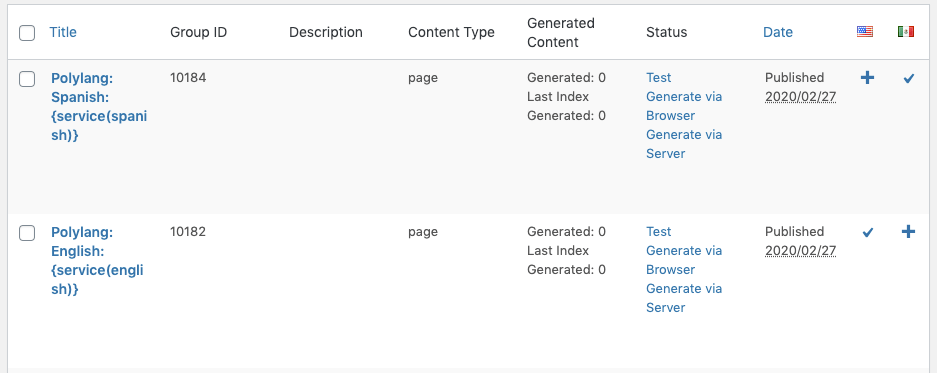
For sites needing to generate content in multiple languages, Page Generator Pro supports both Polylang and WPML.
Functionality is the same as creating Pages or Posts; create one template per language, link them together and generate your Pages/Posts. Page Generator Pro will ensure each generated Page in each language links correctly.
Detailed guides on how to use Page Generator Pro with Polylang and WPML are available.
Page Generator Pro’s user interface is fully translated in English and Portuguese, with more languages to follow.
Full Reporting and Logging
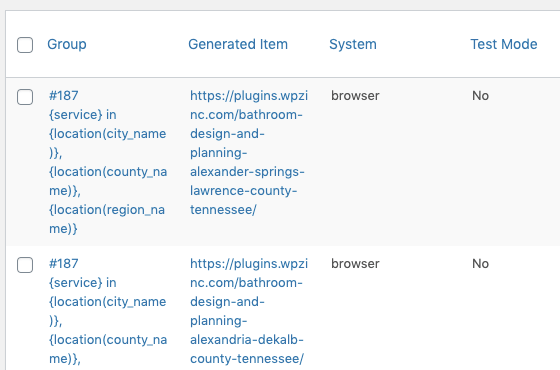
Page Generator Pro provides full report logs of all Generated Pages, Posts, Custom Post Types and Taxonomy Terms, providing data on each item’s:
- Title
- URL
- Keywords and Terms used
- Result
- Performance
- Generated Date and Time
Logs are useful if you need to:
Produce Reports that you can then optionally export to CSV for use with your own SEO tracking, analytics etc.
Generate via Server or WP-CLI in the background, and check in on any errors or issues,
Programmatic SEO, Reimagined
Using another Bulk Page Generator?
It’s frustrating when a mass page builder isn’t maintained, updated, supported, or worse – completely abandoned. Page Generator Pro has been developed since January 2014, and is still actively developed today.
Whether you’ve used SERP Shaker, Local Pages Ninja, Local Business Page Builder, Workhorse SEO Plugin, Multiple Pages Generator, Magic Page Builder, LPagery or BulkPress, we think you’ll find our feature set exceeds our competitors when it comes to programatic SEO (pSEO).
Page Generator Pro is compatible with most Themes, Page Builders, SEO Plugins, Schema Plugins and Spintax Generators – ensuring you can use the tools you’re most comfortable with, and not ones your mass page creator locks you into. It also generates physical WordPress Pages, Posts and Custom Post Types, meaning you’re free to take your generated content elsewhere if you require.
There are no upsells or restrictions on what you do with the sites you build. You receive the same functionality and support regardless of which license you purchase. All country, region, county, city and ZIP code data for the entire planet is included in every license, with no need to purchase country-specific data licenses.
Our focus is on providing great functionality and stability, backed with our one to one email support.
Finally, there’s no hyped potential earnings or crazy claims, and you’re covered by our 14 day, no questions asked, money back guarantee on your initial purchase.
Testimonials
Don’t take our word for it. Hear what Page Generator Pro customers have to say about our software.
Page Generator Pro is a mind-blowing automation tool that has the potential to get your entire VA crew fired. Purchasing was one of the best plugin investments we’ve ever done for our agency.
Lucas Hawro
Colorpeak Web Design & Marketing
I’ve built over a million pages with Page Generator Pro. It’s extremely functional right out of the box and you can do some really cool builds with it. I’ve used SerpShaker and some other mass page builders, but Page Generator Pro is my favorite.

Tylor Bennett
Local SEO Expert
In the past, I have used similar plugins, but after finding this one I will never look back. It took me a few months to learn all of its benefits, but there is nothing like it out there.
this is my lifesaver and money maker.

Ray Ortiz
Online Marketing Consultant
Due to Elementor limiting its formatting, I needed custom CSS to make the text,colour and other formatting properties to achieve my goal. The support team went above and beyond and created the code for these changes for me within a few hours at no extra cost […] not many plugin developers do this and always refer you to a developer.

Conor Bradley
Sheffield Digital Agency
After I hit some roadblocks with configuring the plugin for my use case, Tim spent the time to create a tutorial that matched my vision, giving me a valuable step by step video to follow and refer back to. Thank you Tim for creating a great product and backing it up with outstanding support!

Jonathan Kervin
Sayward Marketing
Page Generator Pro is an absolute life saver when targeting a specific Geographical location. You will have a complete website in a matter of hours compared to weeks and months of traditional blog post. Support is second to none with very fast responsive emails and updates.

Tony Hager
United Realty Texas
I rarely buy PRO version of any plugin. This time I made an exception, and I am happy I did. Customer support is excellent. I asked for advice from the developer twice, and received precise answers both times quickly.

Andrással
Webkapu
I’m not a review-leaving sort of person, but this plugin deserves some love. Very easy-to-use and USEFUL plugin, thank you to the developer. Very cool and love the incremental improvements

Tony Ciccarone
Web Developer
There are not enough words in the dictionary to convey how good this software is and how often the software is updated. If you are sitting on the fence about buying bulk page generation software, get off the fence and buy this software. You will not be disappointed.

Vogue Web Services
Domains, Hosting, Email and Online Marketing
This plugin works well and has great technical support. It’s updated frequently and worth every penny.

Ronaldo Luis Goncalves
Digital Entrepreneur
Pricing
.
Agency Lifetime
Build client sites, whitelabelling, domain & access control.
$399
✓
Lifetime Support & Updates
✓
Unlimited Sites
✓
Unlimited Content
✓
WordPress Multisite Supported
✓
Allow Client Use
Best Deal
Lifetime
Pay once.
Use forever.
$299
✓
Lifetime Support & Updates
✓
Unlimited Sites
✓
Unlimited Content
✓
WordPress Multisite Supported
.
Multi
Great for building many websites.
$199
/ year
✓
One Year Support & Updates
✓
10 Sites
✓
Unlimited Content
✓
WordPress Multisite Supported
.
Single
Great for beginners who want 1 site.
$99
/ year
✓
One Year Support & Updates
✓
1 Site
✓
Unlimited Content

Our 100% No-Risk Money Back Guarantee!
We’re thrilled to have you experience our Plugins. Over the next 14 days, if this isn’t the best fit, simply reach out. We’ll happily refund 100% of your money. No questions asked.